

Introduction
If you’ve ever tried to coordinate multiple projects, multiple clients, and multiple people at the same time, you already know the pain: overbooking, double-booking, idle time, frantic rescheduling, and surprises that should not be surprises.
Most teams start with what feels familiar — spreadsheets, shared calendars, and Slack messages — until the volume breaks the system. By the time you reach 5–10 resources working across 3+ projects at once, the manual approach becomes a bottleneck.
This is where modern resource scheduling tools step in. Instead of reactive planning, teams gain proactive visibility into capacity, availability, priorities, and utilization.
Why Resource Scheduling Fails in Most Teams
Teams don’t struggle because people are disorganized — they struggle because the information doesn’t live in one place.
Common symptoms include:
Overbooked team members
Unassigned work and unclear ownership
Deadlines slipping without warning
Scheduling conflicts between managers
No visibility into who is free vs at capacity
Copy-pasting schedules across spreadsheets
Constant context switching
These problems scale quickly as teams grow. A 3-person team can coordinate with conversation. A 20-person team needs a system.
The Hidden Costs of Spreadsheet Scheduling
Spreadsheets are great for static lists, but terrible for dynamic scheduling. Once schedules shift, dependencies ripple, or timelines change, everything needs to be manually reconciled. That creates friction:
Updating is slow → real-time decisions are delayed
Errors compound → small mistakes become expensive
No permissions → anyone can break the sheet
No availability logic → people get double-booked
No views → you can’t see by person, project, or portfolio
No forecasting → future capacity is invisible
This often leads to projects going over budget or over timeline — not because the team wasn’t capable, but because the system wasn’t.
What Modern Resource Scheduling Looks Like
A modern scheduling system solves these core questions:
✔ Who is available?
✔ Who is over capacity?
✔ What skills do we need?
✔ What’s coming up next?
✔ Are we staffing the right projects?
✔ Do we have budget for this resource?
✔ What happens if timelines shift?
With visibility comes control.
Capacity Planning: The Missing Piece
Beyond simply booking people onto tasks, high-performing teams track capacity. Capacity answers:
“Do we have enough people to take on the work that is coming?”
This is especially critical for:
Agencies with client work
Studios with production cycles
Engineering teams with sprints
Professional services & contractors
Event-based teams & seasonal work
Consulting firms
Operations teams
Without capacity insights, teams either reject work they could have taken — or accept work they can’t deliver.
Scheduling and Finance: Rates, Budgets & Profitability
Scheduling doesn’t just affect project timelines — it affects margins.
For teams billing hourly or based on rate-cards, knowing who is assigned directly impacts:
Gross margins
Billable vs non-billable ratios
Profitability across projects
Project burn rates
Forecast accuracy
If a senior designer is scheduled on an intern-level task, profitability within that project quietly erodes.
If a project manager overbooks a specialist, delays compound.
Scheduling is not just logistics — it’s business.
Enter Kolapp: A Resource Scheduler Built for Modern Teams
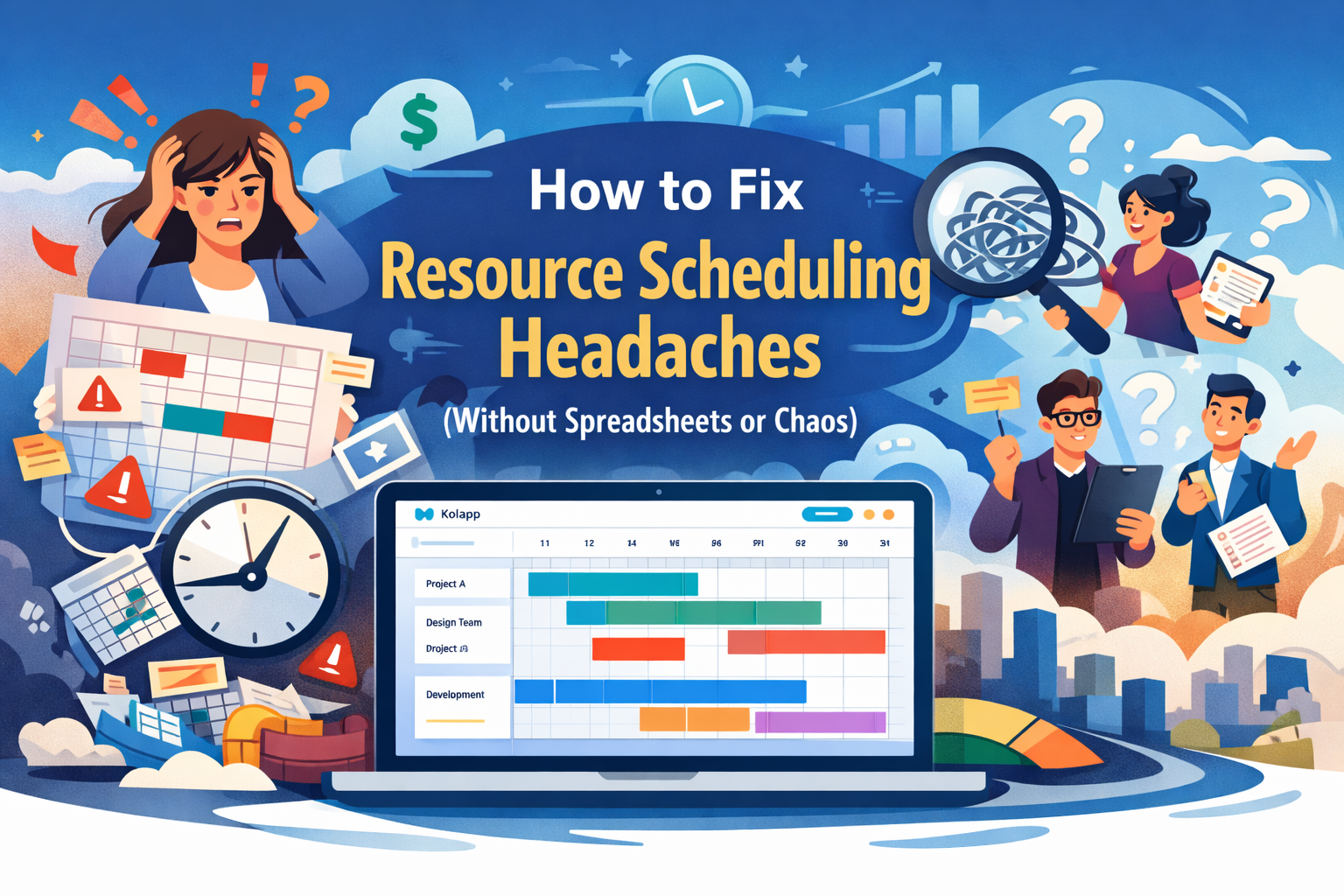
Kolapp centralizes people, schedules, projects, budgets, and capacity into a single interface. Instead of spreadsheets and messages, you get clarity and control.
With Kolapp you can:
1. Schedule Across Multiple Projects
Assign resources across any number of projects without losing visibility or creating collisions.
2. Track Availability & Capacity in Real-Time
See who’s free, who’s overbooked, and who’s underutilized — at a glance.
3. Set Rates, Budgets & Billable Logic
Manage financial data alongside scheduling, including:
Hourly rates
Project budgets
Billable vs non-billable work
Actual vs forecasted burn
4. Manage Permissions by Role
Not every manager should touch every schedule. Kolapp enforces:
User-level permissions
Project-level access
Client-specific privacy if needed
5. Integrate with External Calendars
Push schedules into:
Google Calendar
Outlook
Microsoft 365
Resources see their work without hunting for it.
6. Scale Beyond Spreadsheets
Once you outgrow static scheduling tools, Kolapp gives you:
Portfolio-level views
Forecasting & scenario modeling
Resource utilization analytics
Timesheets (if enabled)
Capacity planning dashboards
Who Benefits Most from Resource Scheduling Software
Kolapp works especially well for:
✓ Agencies
✓ Engineering & software teams
✓ Creative studios
✓ Professional services & consulting
✓ Operations & logistics
✓ Event & production companies
✓ Construction & contracting
✓ IT & managed services
✓ Research & lab environments
Anyone coordinating specialized talent across dynamic timelines benefits.
The “Portfolio Visibility” Problem (and Why It Matters)
One of the biggest value unlocks is portfolio visibility.
Without it, managers make decisions in isolation, such as:
“We have room to take this client.”
But when zoomed out, another project may be starting soon that pulls the same resources.
Portfolio-level scheduling prevents blind commitments.
From Chaos to Clarity
Teams usually know they need a scheduler when conversations start sounding like:
“Who can do this?”
“When is she free again?”
“Why didn’t we know we were over capacity?”
“We’re behind but no one flagged it.”
“Why is this spreadsheet wrong again?”
“Do we need to hire or can we redistribute?”
“Why is the budget burned but the project isn’t done?”
These are symptoms of a system gap — not a people problem.
Conclusion
If your team is juggling multiple projects and multiple people, resource scheduling is not optional — it’s operational. Modern teams need visibility, forecasting, and control to protect timelines, margins, and client experience.
Spreadsheets can manage lists. They cannot manage dynamic operations.
Kolapp brings resource scheduling into a centralized, structured, and scalable system that grows with your team — not against it.